 PermaDel
Every byte, every stream
Overwrites each file in place, including its NTFS alternate data streams, with random bytes from the Windows CSPRNG, and flushes every pass to the physical disk.
PermaDel overwrites files and folders with random data, flushes every pass to disk, then deletes them, so undelete and file-recovery tools have nothing to bring back.
Free and open source
MIT License. Windows 10 1809+, x64, with the context menu on Windows 11.
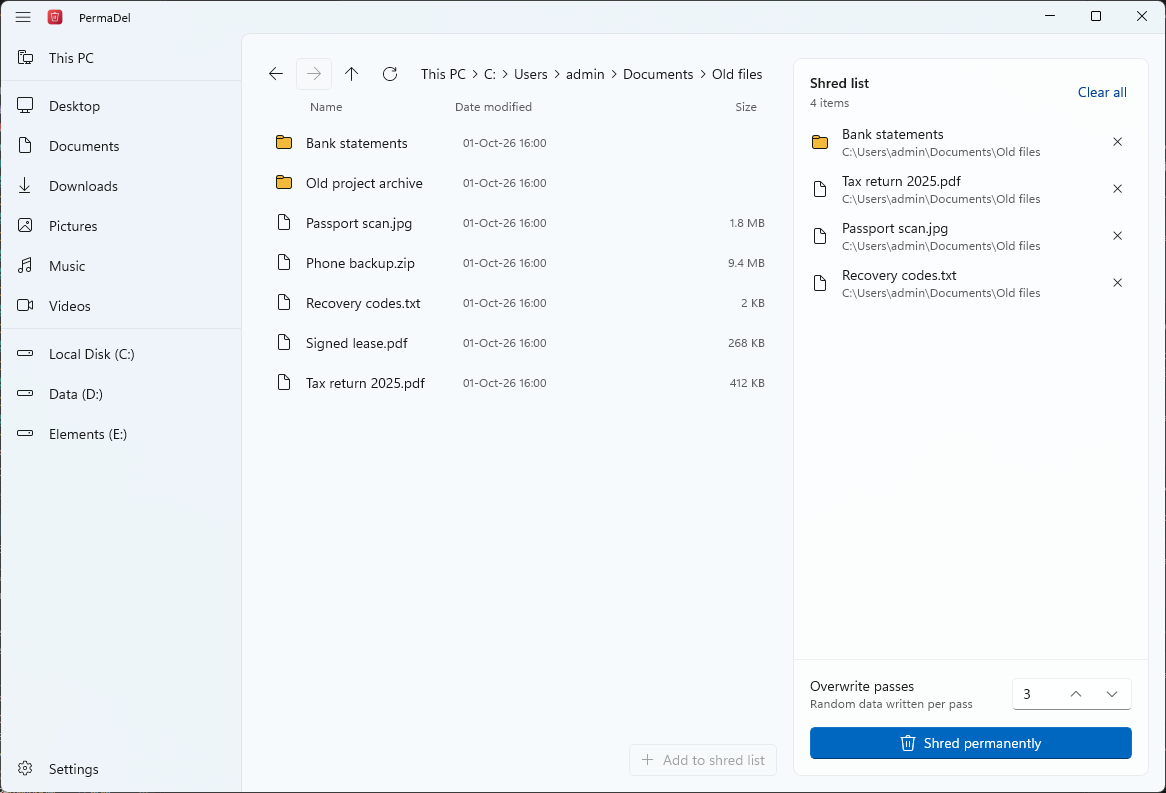
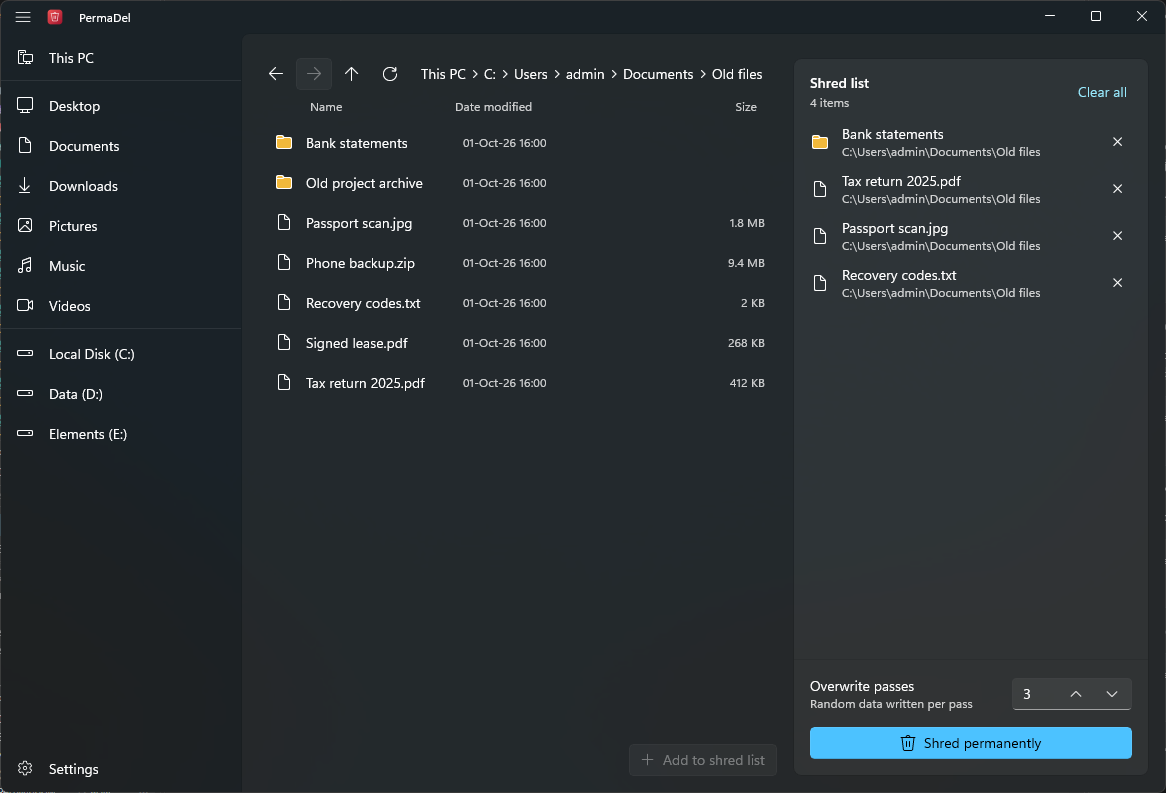
Emptying the Recycle Bin only removes a file's entry. Its contents stay on the disk until something overwrites them. PermaDel does the overwriting, then removes the entry, and it can wipe a drive's free space so files you deleted earlier can't be recovered either.
Overwrites each file in place, including its NTFS alternate data streams, with random bytes from the Windows CSPRNG, and flushes every pass to the physical disk.
Truncates each file to zero length, renames it to random names several times and resets its timestamps before deleting it.
Right-click files or folders and choose Shred with PermaDel. A submenu sets the number of passes and warns that the action is permanent.
Optionally asks for Windows Hello or your account password before anything is shredded, so nobody else at an unlocked PC can use it.
Drive roots, Windows, Program Files, ProgramData, your user folders and PermaDel itself are refused, even when reached through a junction, a mapped drive or a short name.
Links and junctions are removed without touching their targets. Hard-linked files and online-only OneDrive files are skipped instead of overwritten.
On a drive in This PC, PermaDel writes random data over all of the drive's free space and removes it again, so files deleted the ordinary way can't be read back. Existing files are never touched. On NTFS it can also fill the file table's free entries.
See where a photo was taken, which camera took it, or who wrote a Word, Excel or PowerPoint file, then write a cleaned copy next to it or replace the original. Pictures inside Office files are cleaned too.
When a new version arrives, PermaDel shows what changed in plain words, grouped into New, Improved and Fixed. After it updates, it shows what changed once, the next time you open it.
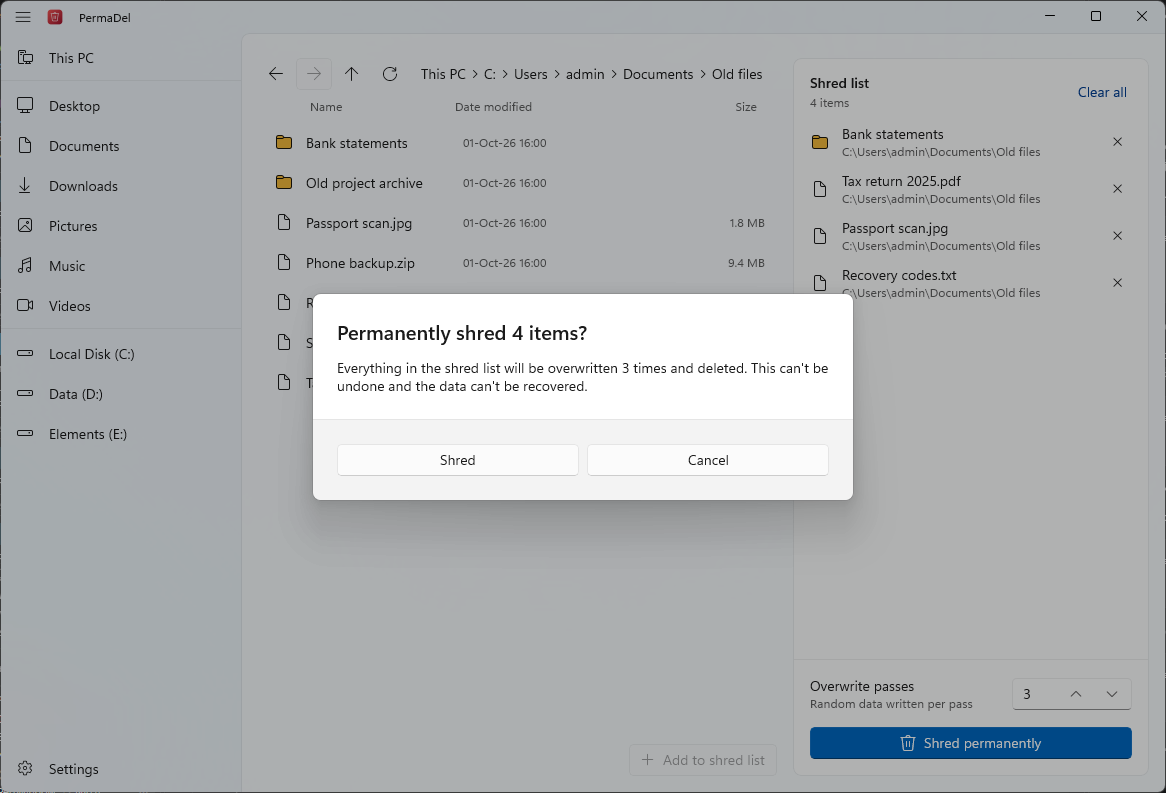
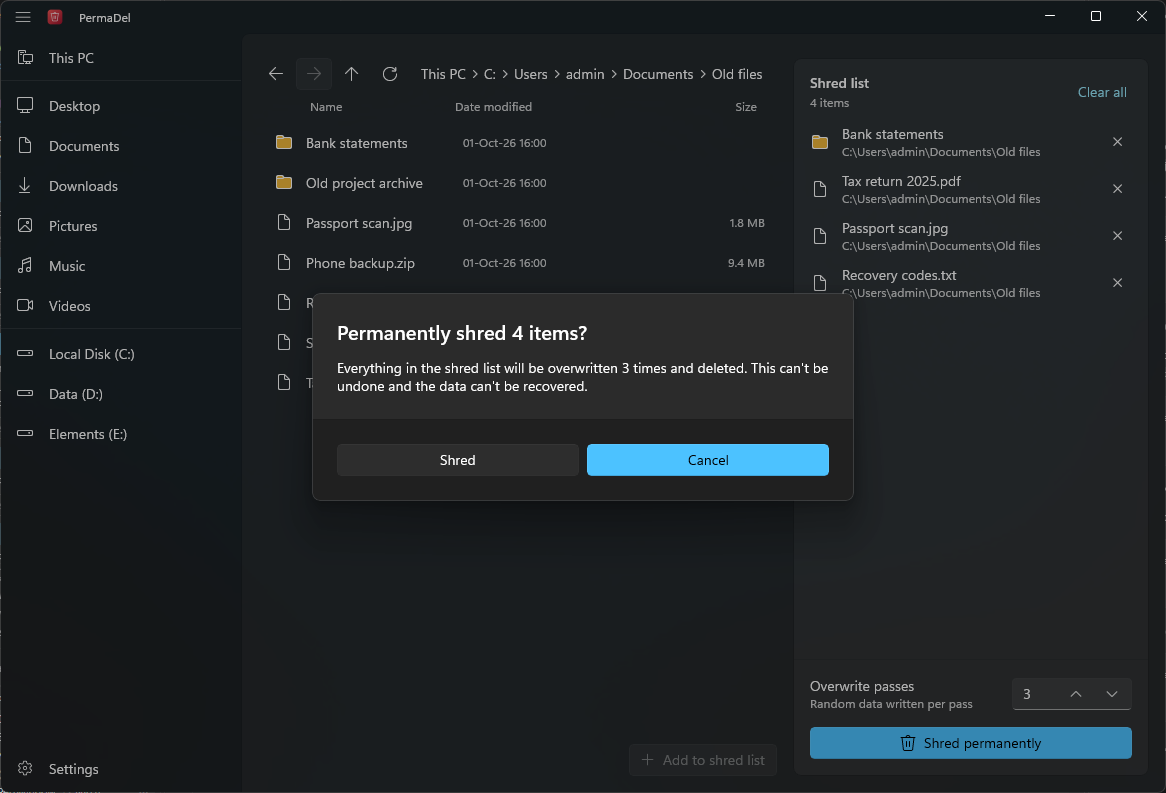
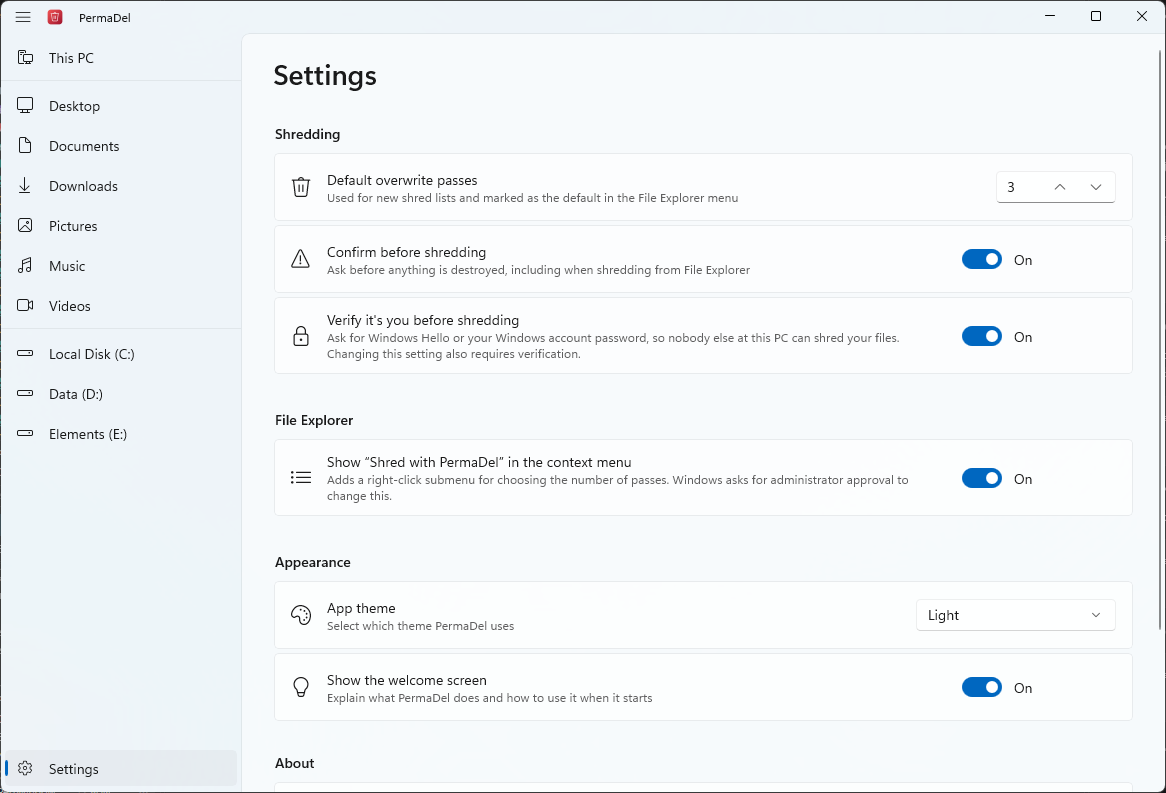
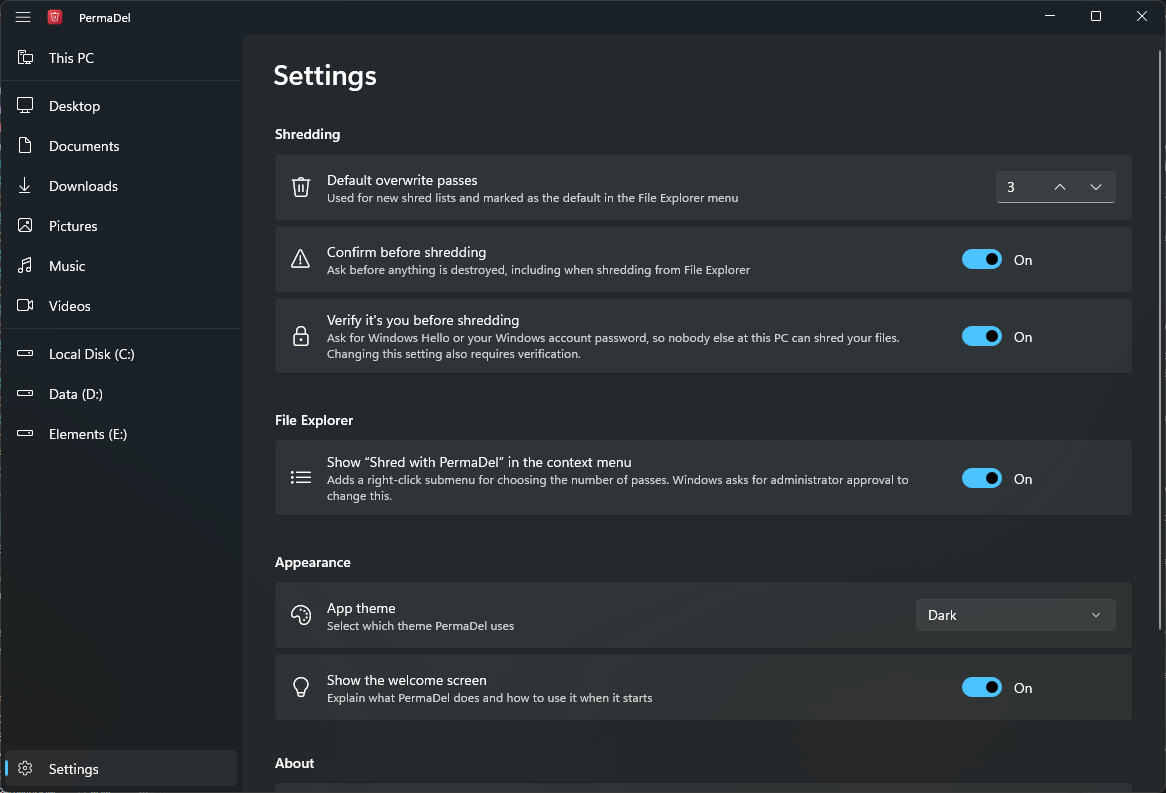
PermaDel scans the whole selection before it changes anything. Then, for each file:
Read-only, hidden and system attributes are cleared. Files that can't be shredded keep their original attributes.
FindFirstStreamW lists all data streams, including alternate data streams that File Explorer never shows.
Each stream is overwritten in place with random bytes, once per pass, and FlushFileBuffers pushes every pass to the disk.
The file is truncated to zero length, renamed to random names several times and its timestamps are reset.
The file is deleted. Folders are scrubbed and deleted once they are empty, and anything that couldn't be shredded is reported with the reason.
Yes. PermaDel is free and open source under the MIT License. It has no ads, accounts or telemetry.
It overwrites and deletes files on any drive, but no file-level shredder can guarantee destruction on SSDs, NVMe or flash media: wear leveling, TRIM and over-provisioning can put an overwrite in different cells than the original data. For SSDs, use full-disk encryption such as BitLocker from the start, or the drive's secure erase command when you retire it.
PermaDel uses 3 by default and allows 1 to 35. NIST SP 800-88 considers a single overwrite pass enough to clear data on modern hard drives. More passes take longer.
The installer isn't code-signed yet. Compare its SHA-256 hash with the one on the release page (Get-FileHash in PowerShell), then choose More info and Run anyway.
The File Explorer context menu needs a package that only an administrator can register. PermaDel itself runs as your user.
No. PermaDel collects nothing. The only request it makes itself is the update check, which asks GitHub for the latest release and sends nothing but its version number. Its settings are stored in the Windows registry under HKEY_CURRENT_USER\Software\PermaDel. See the privacy statement.
Yes. Select a drive in This PC and choose Wipe free space, or right-click it. PermaDel writes random data over all of the drive's free space and removes it again, so files deleted the ordinary way can't be read back. Existing files are never touched. On NTFS it can also fill the file table's free entries, where small files live. On an SSD or flash drive the drive decides where writes land, so some deleted data can still survive; BitLocker from the start is the reliable protection.
Yes, for JPEG, PNG and WebP photos and for Word, Excel and PowerPoint files. PermaDel shows you what it found, then writes a cleaned copy next to the file or replaces the original; pictures inside Office files are cleaned too. Comments and tracked changes are document content and are left as they are, so remove them in the Office app first. A photo that relied on its orientation tag may show sideways in some apps.
Yes. When a new version arrives, the what's new dialog shows the changes in plain words, grouped into New, Improved and Fixed, with a link to the full notes. After PermaDel updates itself, the next time you open it, it shows what changed in the new version once. Opening PermaDel from the File Explorer menu never shows it.