 PerfWindow
CPU
Load per core, package and core temperatures, clocks, Vcore, RAPL power and headroom to TjMax. Intel P-cores and E-cores are shown apart.
PerfWindow shows usage, temperatures, clocks, power and drive health for every part of your PC in one real-time dashboard, and leaves nothing running when you close it.
Free and open source
MIT License. Windows 11, or Windows 10 1607+, x64.
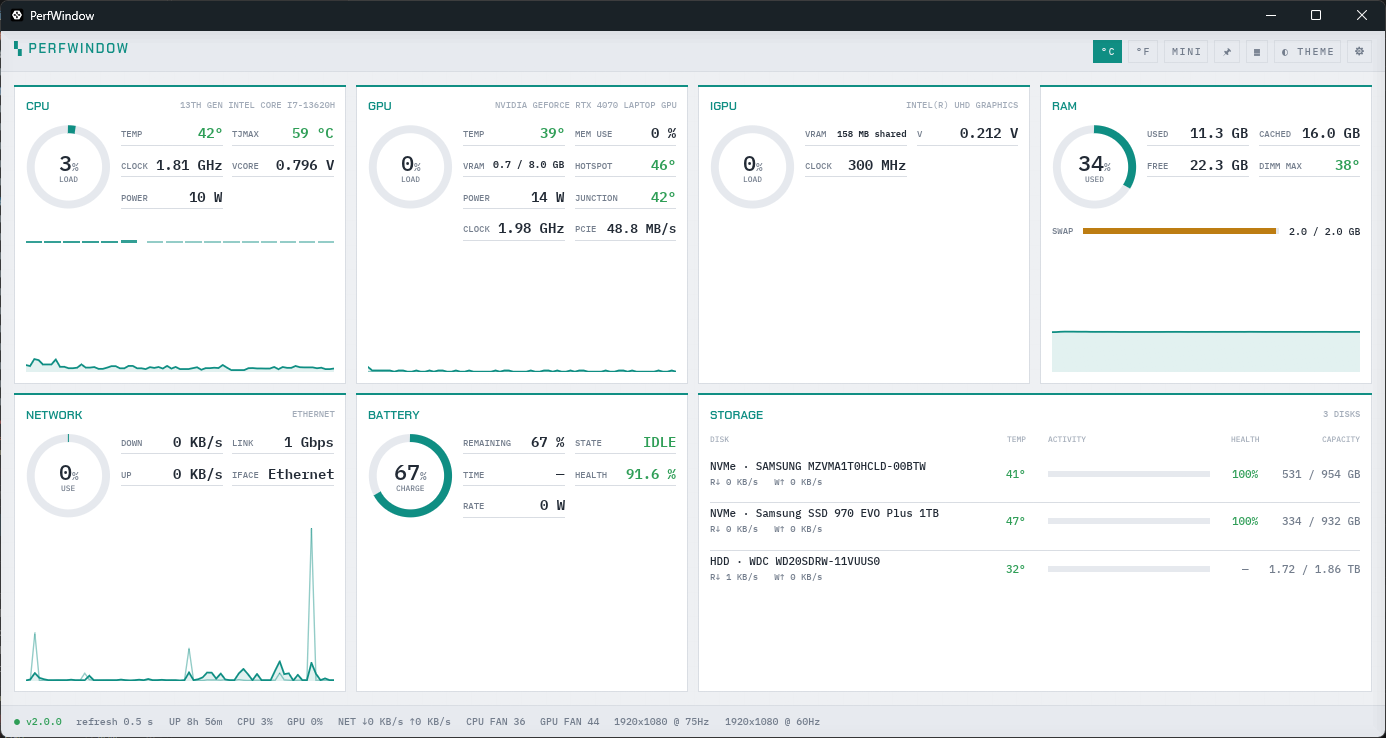
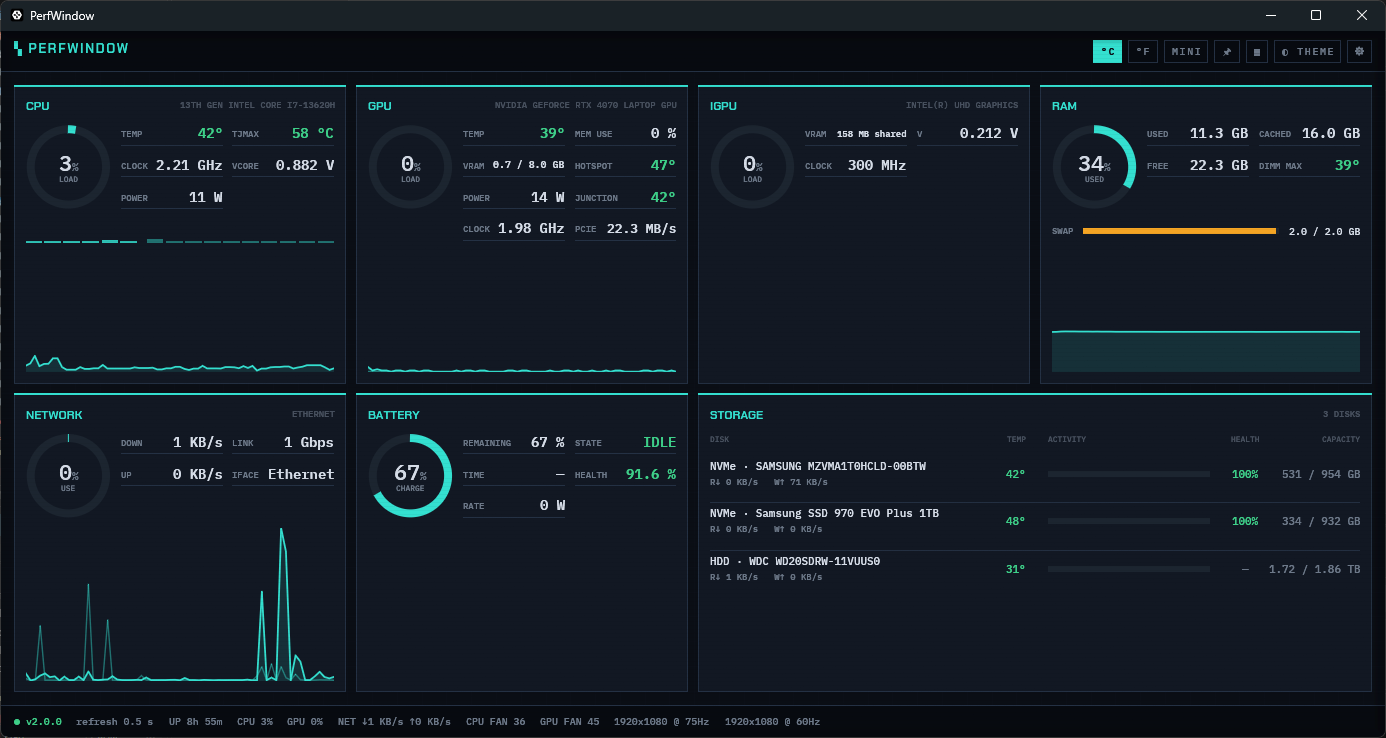
Built on LibreHardwareMonitor, the open-source sensor library behind many Windows monitoring tools. Every row has a tooltip that explains it in one plain sentence.
Load per core, package and core temperatures, clocks, Vcore, RAPL power and headroom to TjMax. Intel P-cores and E-cores are shown apart.
Discrete NVIDIA and AMD cards and Intel integrated graphics: load, core, hot spot and memory junction temperatures, clocks, encoder load, fan, power and VRAM.
Used, cached and pagefile, plus per-module DIMM temperatures where the modules report them, with vendor, part number and timings on hover.
Temperature against each drive's own limits, activity, capacity and health, and SMART lifetime on hover: power-on hours, NVMe wear and data written.
Motherboard and VRM temperatures, fan speeds and voltage rails, battery charge rate and health, and the board model and BIOS version.
Throughput and link use, with SSID and signal on Wi-Fi. Six themes, from CRT amber to a plain light one, can follow Windows' light and dark setting.
Cards scale to fill any window, from 720×500 up to a 4K screen, with no scroll bar; the least important readings step aside first. Backgrounds can be made see-through from 100 % down to 30 %, and the window collapses into a one-line strip of live values that sits over the top of the screen without taking any of it.
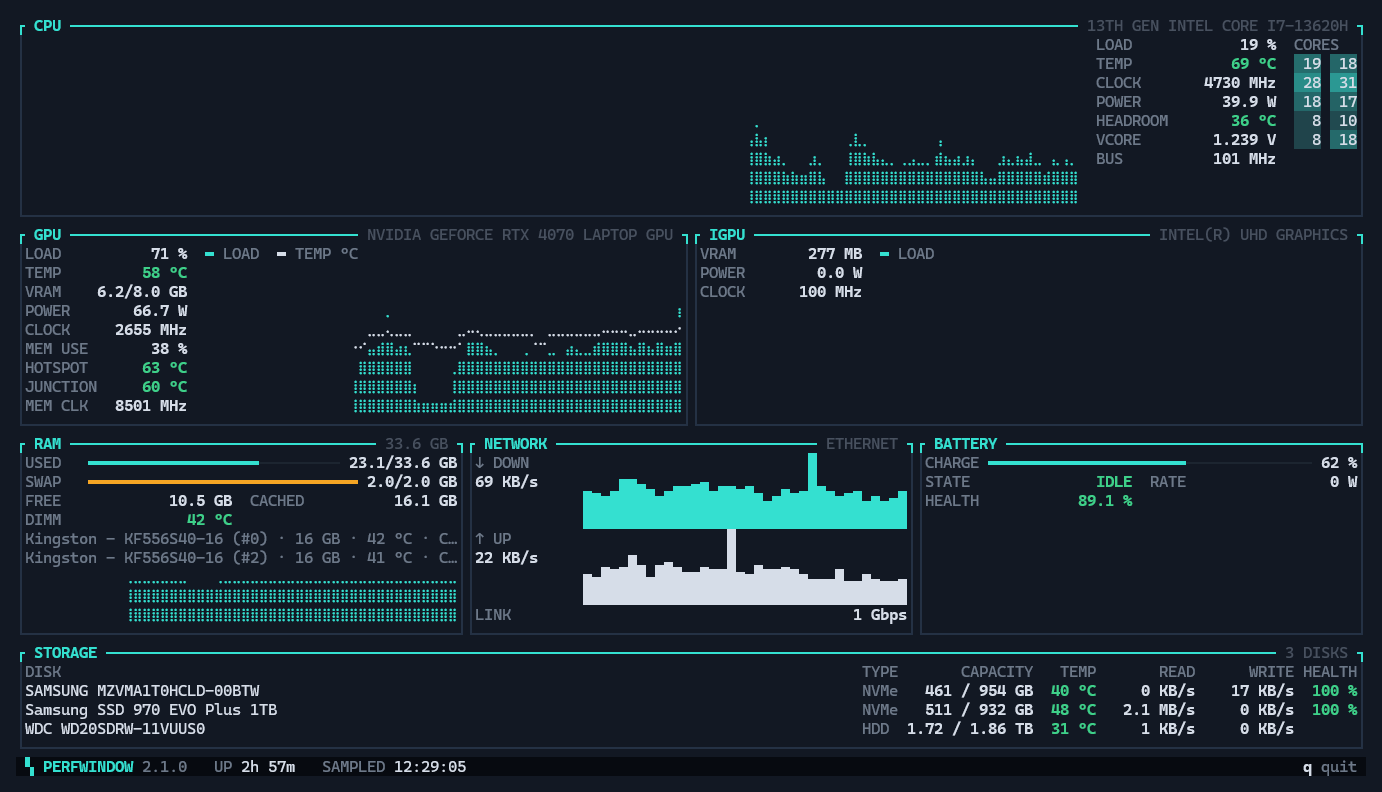
perfwindow-cli opens the same readings as a live dashboard in your terminal, in your theme, with load and temperature history. Scripts and AI agents get a plain report, one reading per line, or JSON with --json.
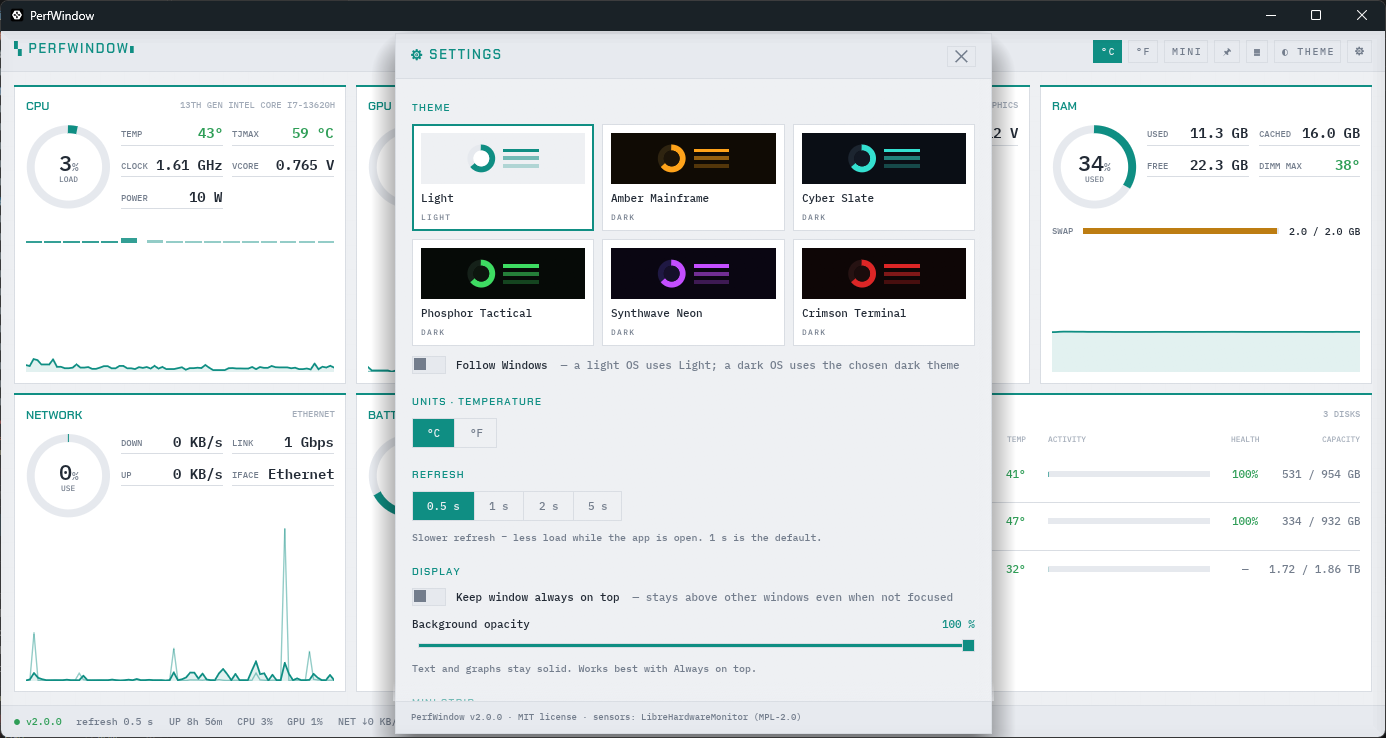
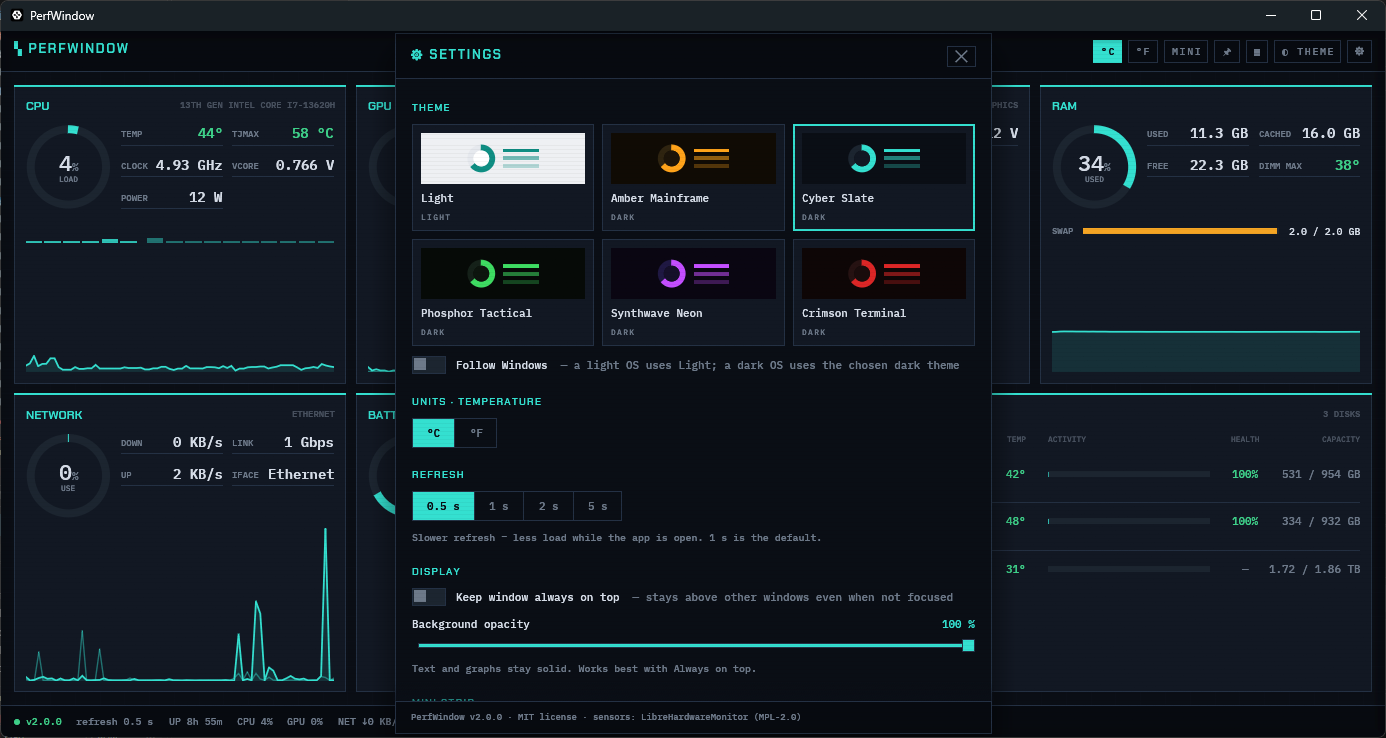
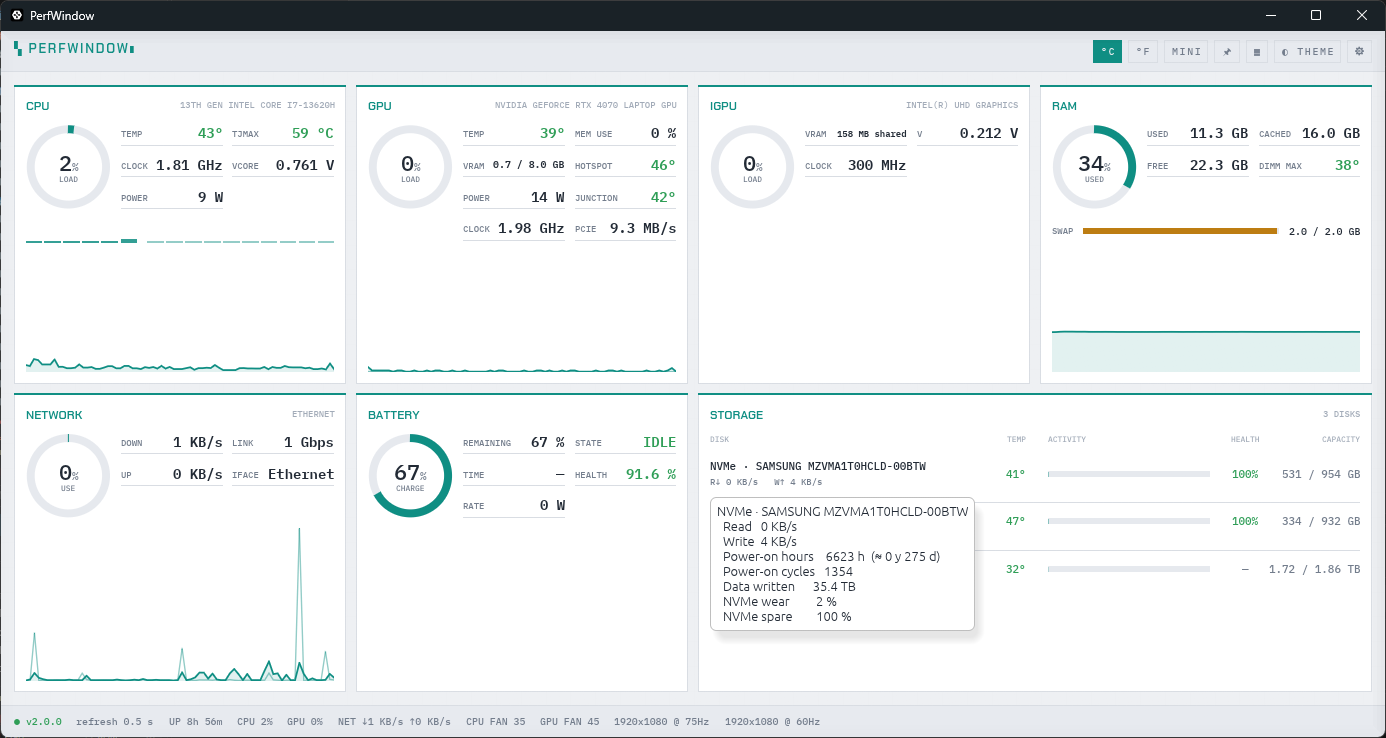
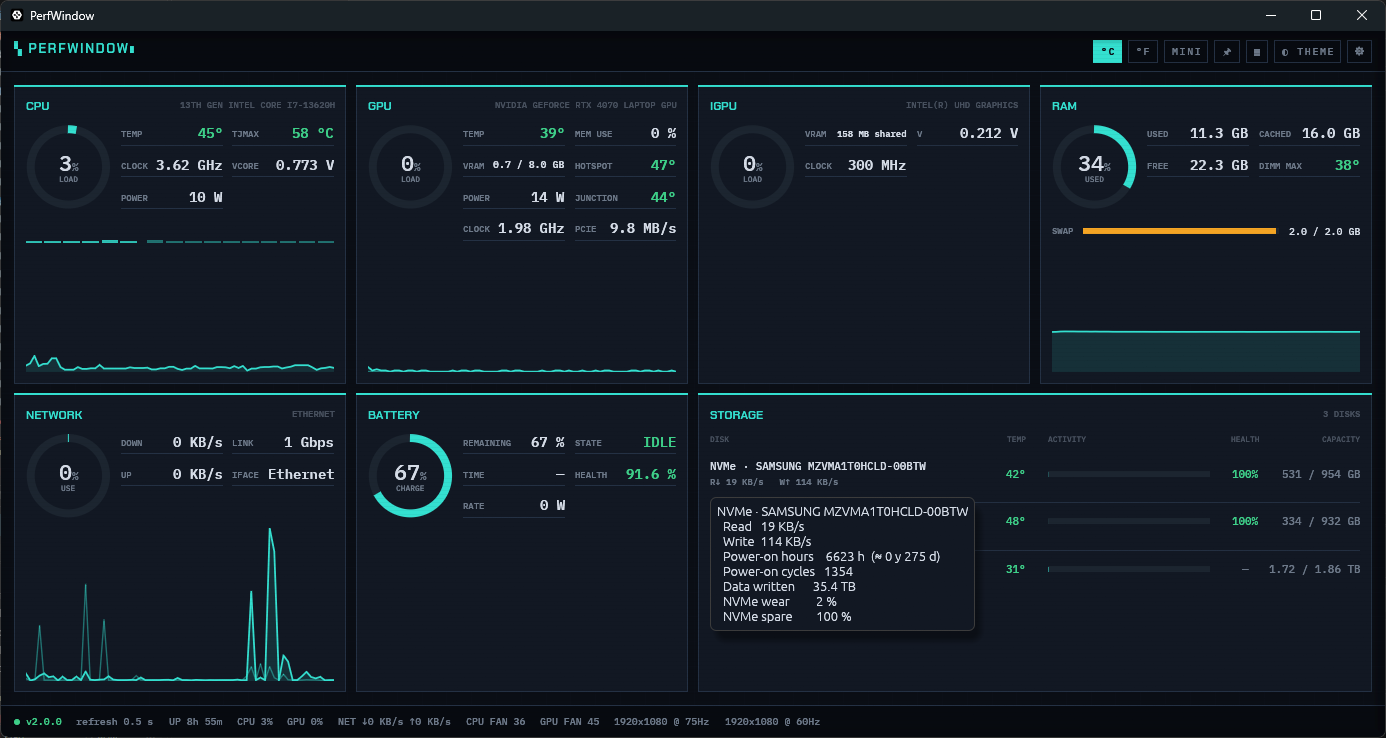
New in 2.1: perfwindow-cli brings every reading to the command line, for when you'd rather not open a window, and for scripts and AI agents that read text. Turn it on in Settings → Command line, which also adds it to your PATH.
The window's cards in your theme, with load and temperature history, fitted to the terminal's size. It runs in Windows Terminal and in the classic console, and q leaves it.
Piped or redirected, it prints one plain report instead, one Label: value reading per line. --once prints a report and exits; --watch 5 prints one every 5 seconds.
perfwindow-cli --json gives an agent the machine's loads, temperatures, clocks, power and drive health as JSON, so it can check why a build is slow or a laptop runs hot without a screenshot.
Two programs, one installer: a dashboard that runs as you, and a sensor service that runs only while the dashboard is open.
PerfWindow.exe is a Rust and egui app without administrator rights. It draws the cards and talks to the sensor service over a named pipe.
Reading CPU registers and drive SMART data needs administrator rights, so a .NET service built on LibreHardwareMonitor does it. Windows asks once per launch to start it.
The service opens the CPU and memory sensors first, then the board, GPU, drives, network and battery, while the loading screen shows its progress.
The service exits as soon as the dashboard disconnects. No tray icon, nothing at startup, and the uninstaller removes every file and your settings.
cargo audit of every Rust dependency.Yes. PerfWindow is free and open source under the MIT License. It has no ads, accounts or telemetry.
No. The sensor service starts when you open PerfWindow and exits when you close it. There is no tray icon and nothing starts with Windows.
CPU temperatures, clocks and power, and drive SMART data, can only be read with administrator rights. PerfWindow runs the dashboard as you and asks Windows once per launch to start its sensor service, which reads the hardware.
No. PerfWindow only reads sensors. It doesn't overclock, undervolt, change fan curves or write to any hardware setting.
PawnIO is a small, signed kernel driver that LibreHardwareMonitor uses to read CPU temperature, clock and power registers. The installer adds it unless a current version is already installed. Without it, everything except those CPU readings still works.
No. Its only connection is an anonymous update check against GitHub's public Releases API, at most once every six hours, which you can turn off in Settings. See the privacy statement.
Yes. The cards fill any window size, and in Settings you can make the window's backgrounds see-through from 100 % to 30 %. Press Ctrl+M, or click MINI in the title bar, to collapse the window into a one-line strip of live values over the top of the screen. It takes no screen space, doesn't take focus from the game or app you're in, and has its own opacity slider; the expand button brings the full window back.
Yes. Turn on Settings → Command line, then run perfwindow-cli --json for JSON, or perfwindow-cli --once for a plain text report with one reading per line. Windows asks for the same approval as for the window, and the command and the window can't read the sensors at the same time.