The app you open first in the morning.

Nexus puts your tasks, calendar, notes, studying, money, training, offline knowledge, a personal gallery and local AI models in one workspace on your own computer: encrypted, connected to each other, and working with the network off.

Free and open source

Apache-2.0. Windows 10 and 11 and Linux on x64, and macOS on Apple silicon. Interface in Serbian and English.

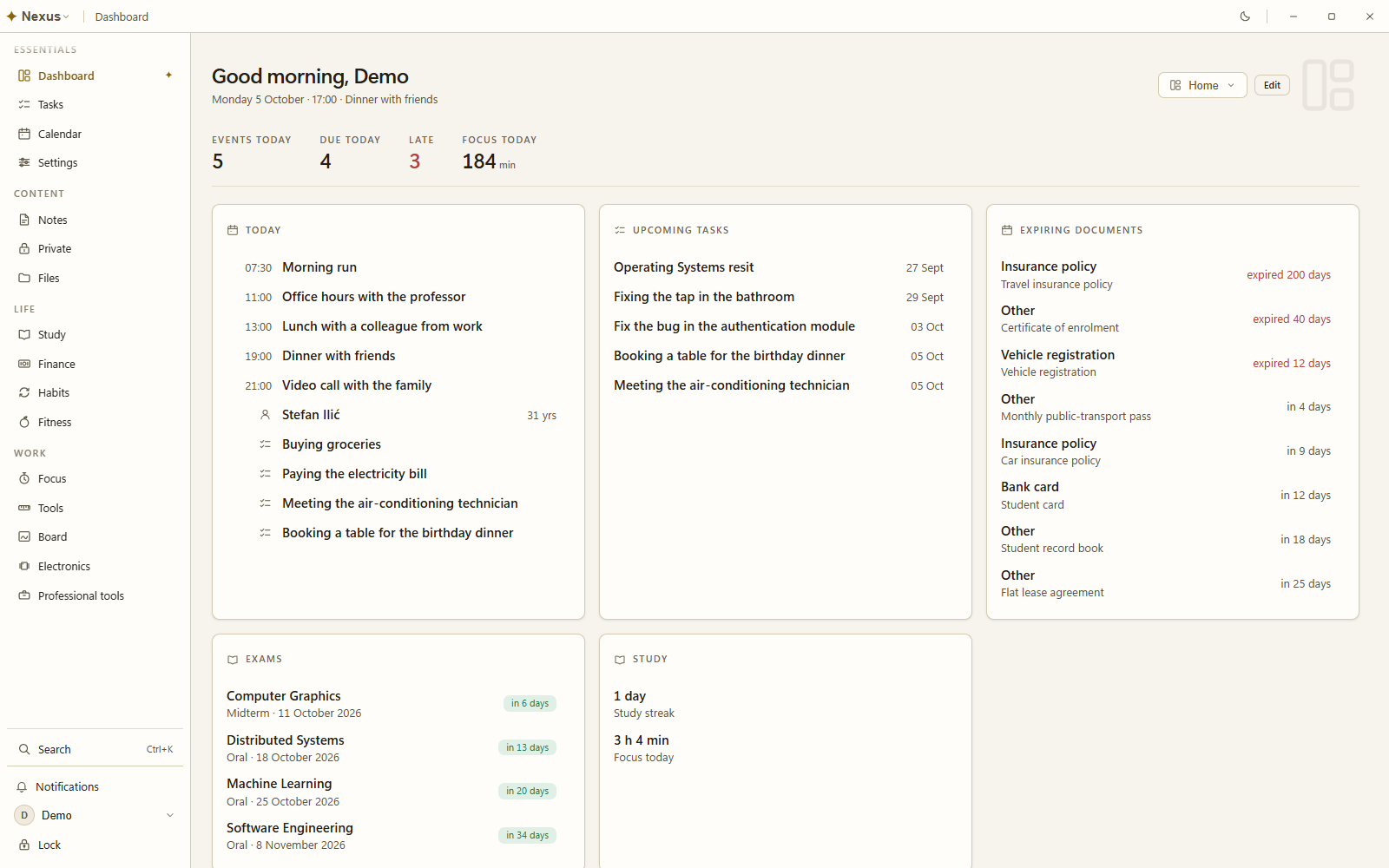
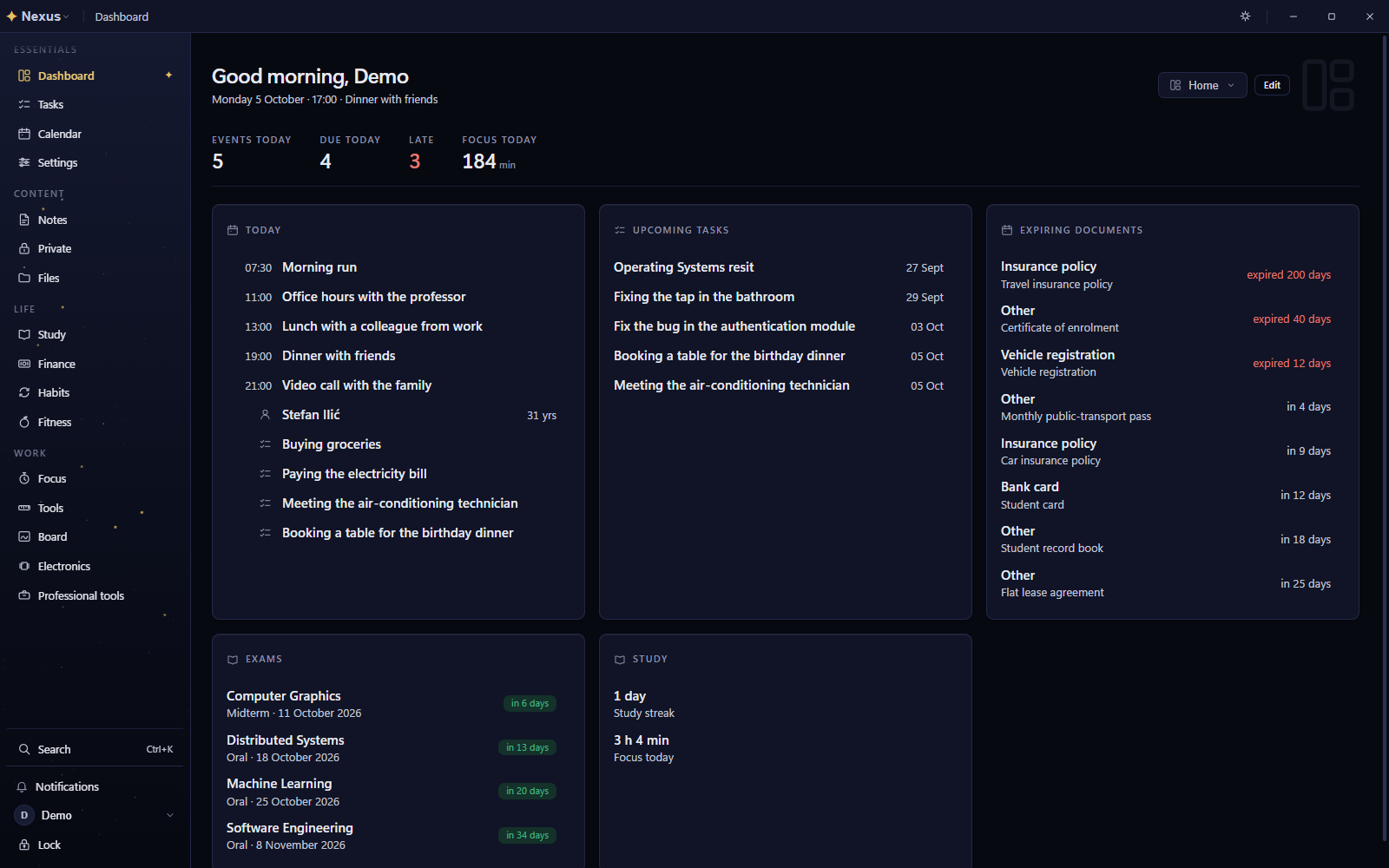
The Nexus dashboard with today's agenda, upcoming tasks, expiring documents, exams and study time The Nexus dashboard with today's agenda, upcoming tasks, expiring documents, exams and study time
Modules
43, visible on a new install
Storage
Encrypted, on your computer
Network
Never required
Data sent
None

What it does

Most people run their week across a dozen apps, each with its own account and its own server. In Nexus a task, an exam and an expiring passport share one calendar, one search box and one set of reminders.

An assistant in every module

A language model that runs on your computer and works through 207 of the app's own tools: it adds and changes tasks, notes, events, money and training, and asks before each change. It answers from your notes, your packs and offline Wikipedia, names its sources, and docks beside any page.

Tasks and calendar

To-dos with priorities, subtasks, recurrence and dependencies, as a list, a board or a calendar. Month, week, day and agenda views, with events you drag and resize.

Notes and a private vault

Notes with folders, tags, backlinks and version history. Private notes are encrypted so only you can read them, with a Recovery Kit of their own.

Study

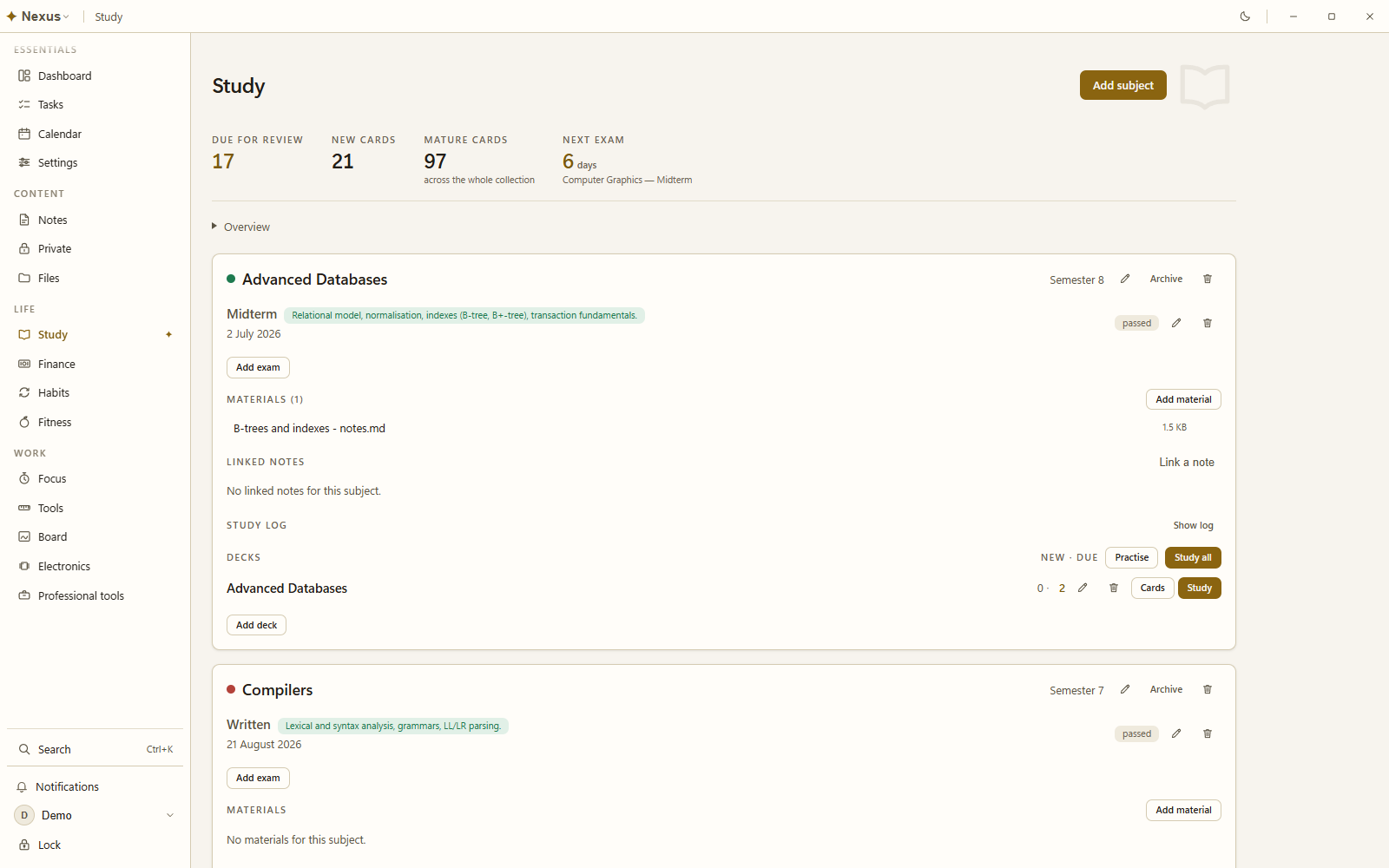
Exam countdowns, spaced-repetition flashcards, typeset maths and Anki import, plus a planner that books study time before each exam and re-plans when you fall behind.

Life admin

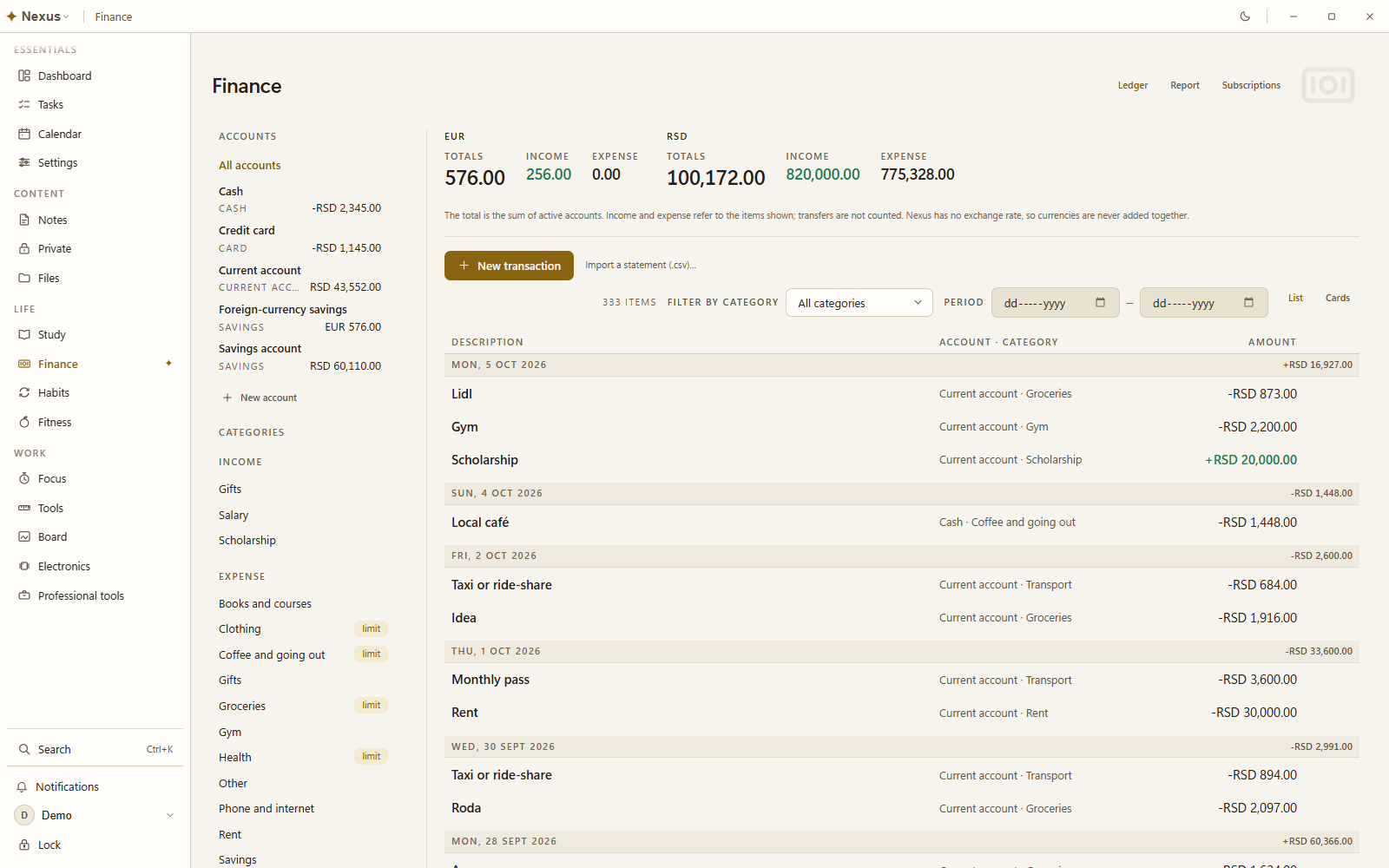
Accounts, budgets and subscriptions, with every currency kept separate. Habits with forgiving streaks, and reminders weeks before your ID, passport or registration expires.

Food and training

426 foods with the source of every number, 230 exercises, routines and personal records, and an energy estimate measured from your own weight trend.

A gallery of your own

Browse art from installed packs, images found in downloaded Reference libraries, and personal pictures kept in encrypted local storage. Search, filter, view full size, edit details and export them with the rest of your archive.

Tools and a canvas

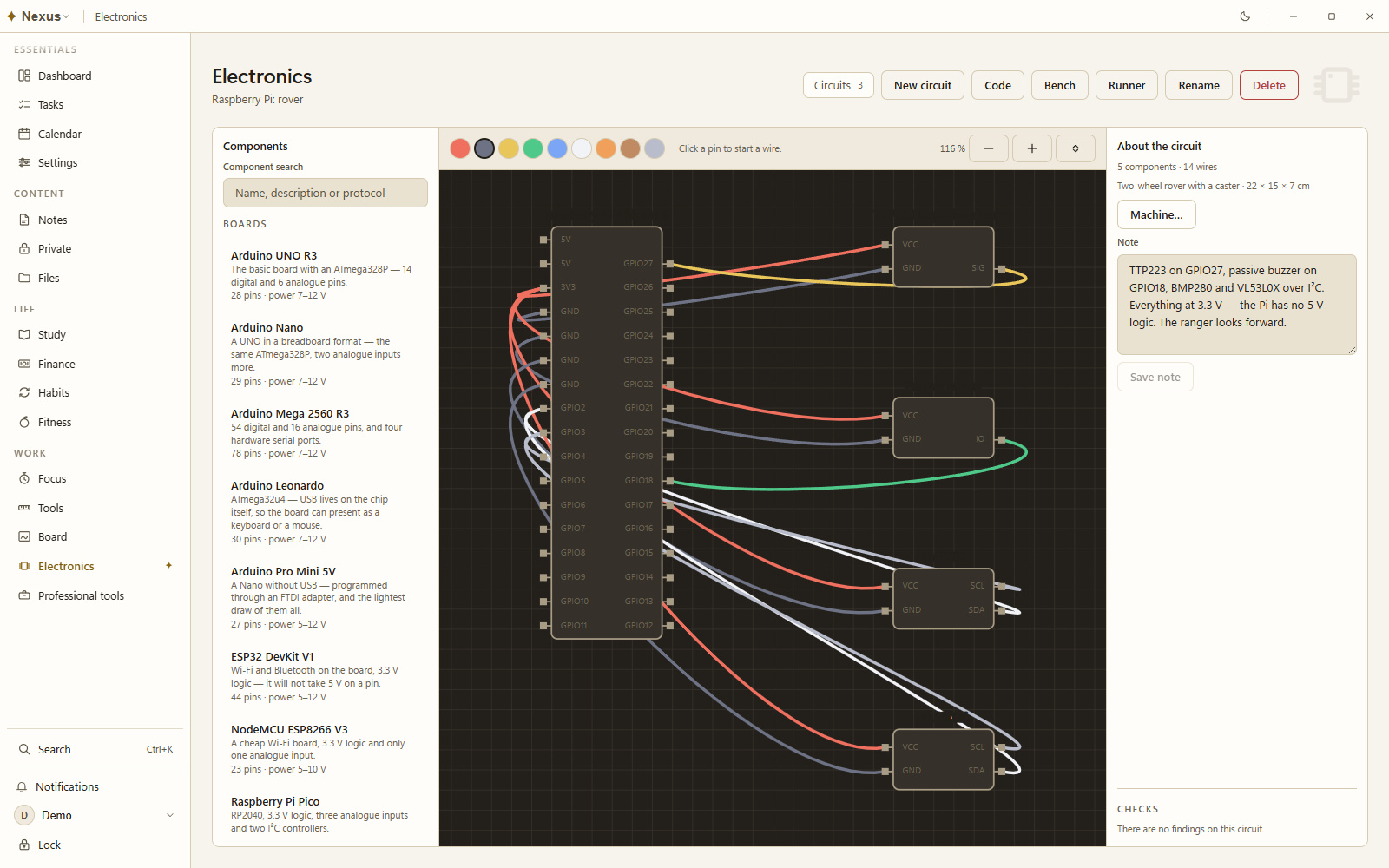
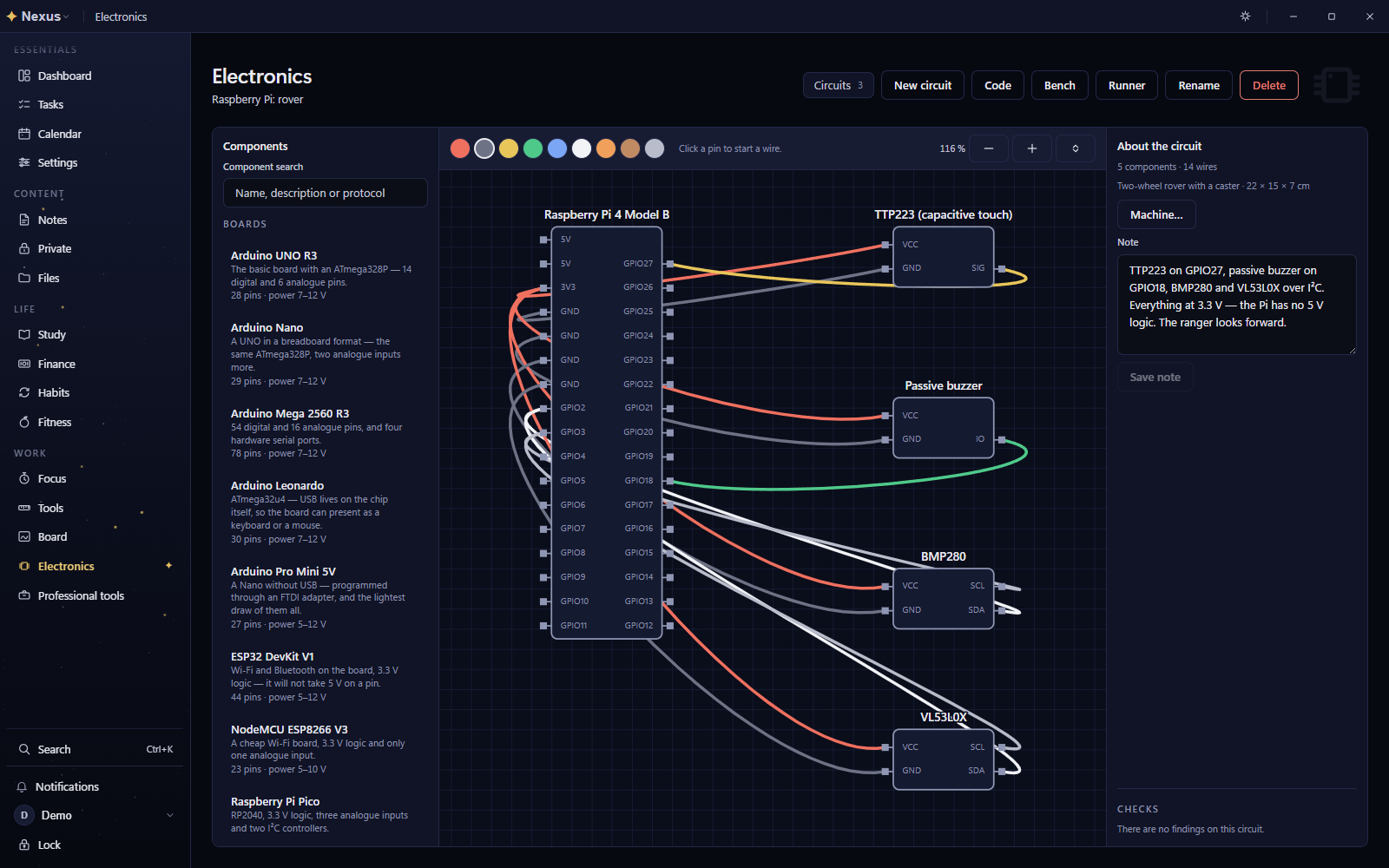
Calculators, thirty-two professional toolkits you opt into, an infinite canvas with live cards, and an electronics bench that writes the Arduino or ROS 2 code your wiring implies.

A translator and maps that work offline

Translation between 202 languages as you type, by Meta's NLLB-200 model running on your computer. Load it only when needed and eject it to release memory when you finish. Maps cover any country, continent or the whole world at the detail you choose, with place search, pins and distances. Once downloaded, both work with the network off.

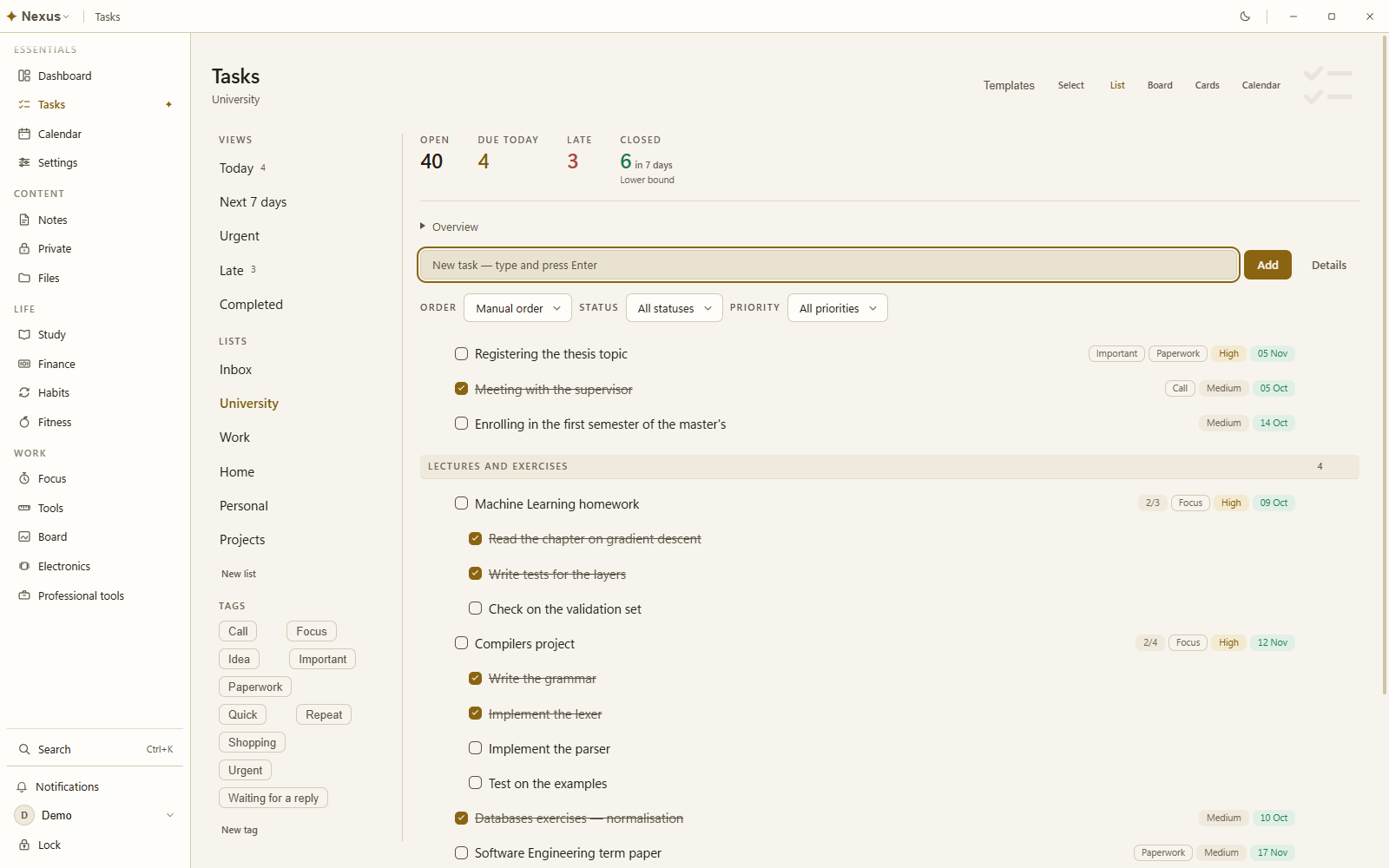
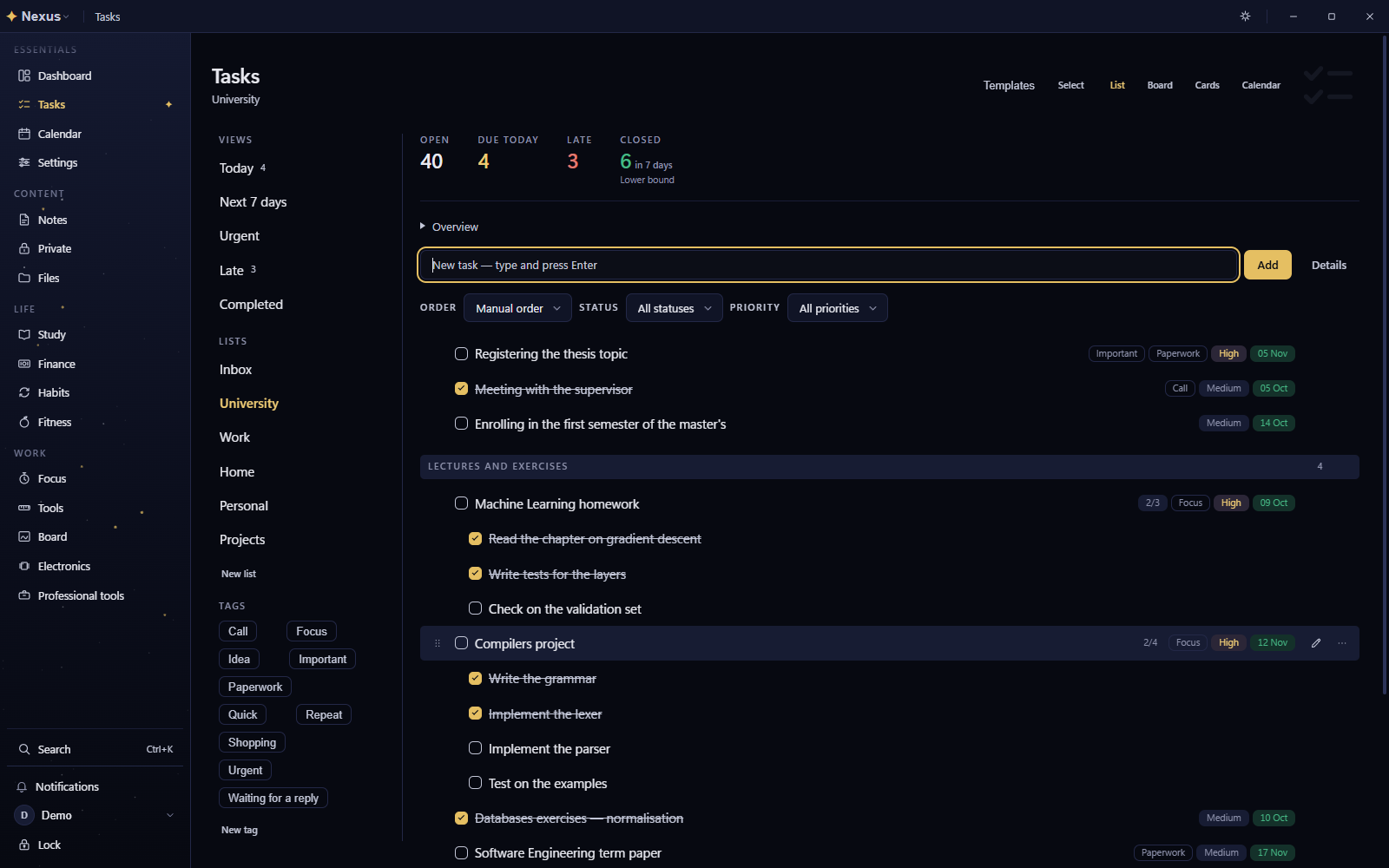
Task lists with sections, subtasks, tags, priorities and due dates Task lists with sections, subtasks, tags, priorities and due dates
Tasks in lists and sections, with subtasks, tags and due dates.
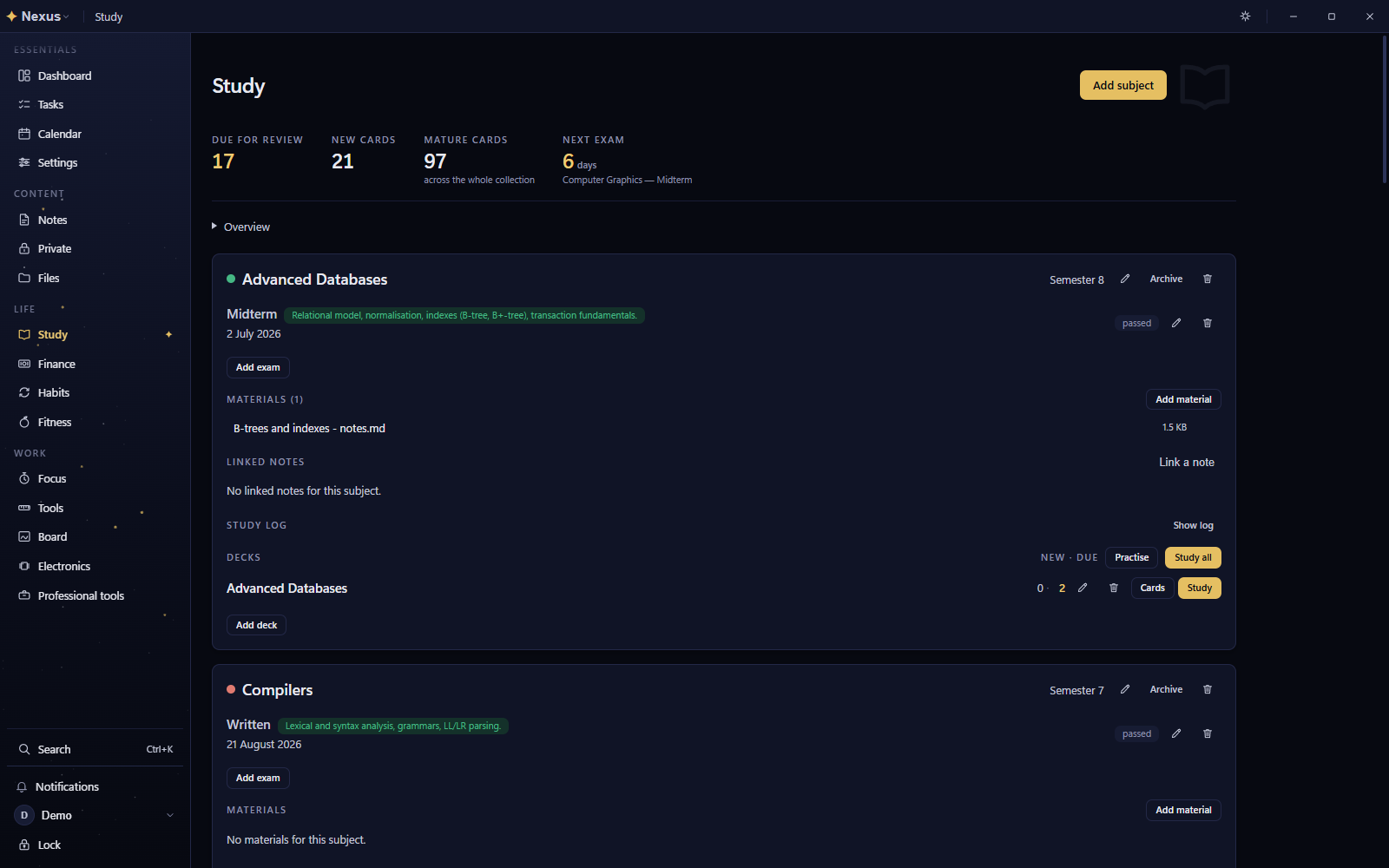
The study page with cards due for review, the next exam and each subject's exams and decks The study page with cards due for review, the next exam and each subject's exams and decks
Study: what's due for review, the next exam, and each subject's decks.
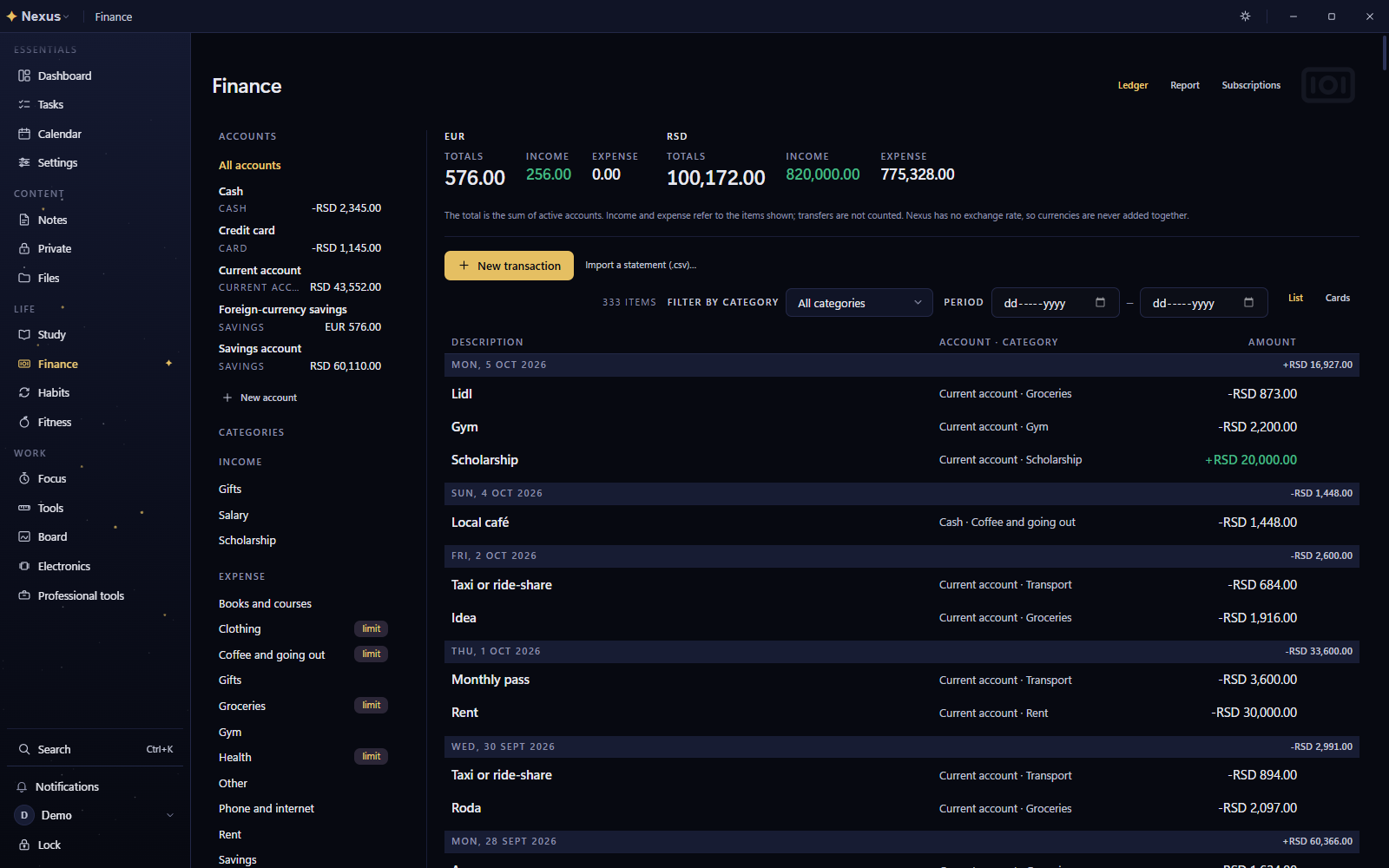
Finance ledger with accounts in two currencies, categories and budgets Finance ledger with accounts in two currencies, categories and budgets
Finance, with accounts in two currencies.
Electronics workbench: a Raspberry Pi wired to three sensors and a buzzer Electronics workbench: a Raspberry Pi wired to three sensors and a buzzer
The electronics bench: a Raspberry Pi wired to three sensors and a buzzer.

How it works

Your privacy in Nexus comes from how the code is built, not from a promise in a policy.

  1. Your computer is the server

    Everything lives in one encrypted SQLite database on your computer. An account can use a passcode or explicit device-convenience mode, with a Recovery Kit for recovery. Attachments are encrypted with AES-256-GCM, and Private notes keep a separate credential. Linux does not need a keyring: without a system vault, Nexus uses an owner-only local guard.

  2. Offline unless you say otherwise

    Nexus asks once, on first start, whether it may use the network at all. “Offline only” makes no network call of any kind, and CI enforces the boundary; “Offline + update checks” contacts GitHub only to check for and download a new version of Nexus itself; “Downloads” also fetches the content packs, map regions, Wikipedia libraries and models you choose, each from a compiled-in list of hosts. Your notes and data never leave the computer in any mode.

  3. Everything visible, then yours

    A new account opens with every module visible; you hide or reorder only what you do not use. Personal and business profiles keep their data apart, and several accounts can share one computer.

  4. A locked-down interface

    The interface runs sandboxed and never touches the database. It asks the main process through an allowlist of typed requests, each validated field by field, and every query binds its values.

  5. Yours to take away

    Export everything into one sealed archive and restore it anywhere, or merge another archive into yours. Encrypted backups can run on a schedule.

Tested, and honest about limits

How it's verified

  • Vitest in every package, with data and store logic written test-first.
  • 30 static checks run in CI beside the build, type checks, lint and tests, along with a secret scan and a dependency audit.
  • A smoke test launches the built app, opens every page under the production content security policy and exercises the real database.

What it can't do yet

  • Other languages. The interface is in Serbian and English; no other language ships yet.
  • More than one computer. Nexus has no server behind it. To move to another computer, export everything into one archive, protected with a password if you like, and import it there.
  • Signed installers. Code signing for the Windows installer is paused for now, and the macOS build is unsigned, with no update path yet. The source is open, so anyone can check what it does.

Questions

Is Nexus free?

Yes. Nexus is free and open source under the Apache License 2.0. It has no ads, no online account and no telemetry.

Does Nexus need the internet?

No. Everything you write works with the network off, and the default is “Offline only”: the app makes no network call at all, which a CI check enforces. You can opt in to update checks, which contact GitHub only for a new version of Nexus, or to downloads, which also fetch the content packs, Wikipedia libraries and models you choose from a short list of hosts. Your notes and data never leave the computer.

Is Nexus available in English?

Yes. The interface ships in Serbian and English: on first run it follows the system language (Serbian when the system locale is sr*, English otherwise) and remembers the choice, which you can change in Settings. The code and documentation are in English.

Which platforms does Nexus run on?

Windows 10 and 11 (a per-user installer) and Linux (an AppImage, a tarball and a Gentoo ebuild) on x64, and macOS on Apple silicon (an unsigned dmg). Linux needs no keyring; without a system vault, Nexus uses an owner-only local guard.

How is my data protected?

Everything is stored in one encrypted database on your computer. An account can use a passcode or explicit device-convenience mode, and a Recovery Kit provides recovery. Attachments are encrypted with AES-256-GCM. Private notes always require their own credential and are encrypted so that only you can read them.

Can I take my data with me?

Yes. Nexus exports everything into a single sealed archive that you can restore later, on the same computer or another one, or merge into an existing profile. Encrypted backups can also run on a schedule.